
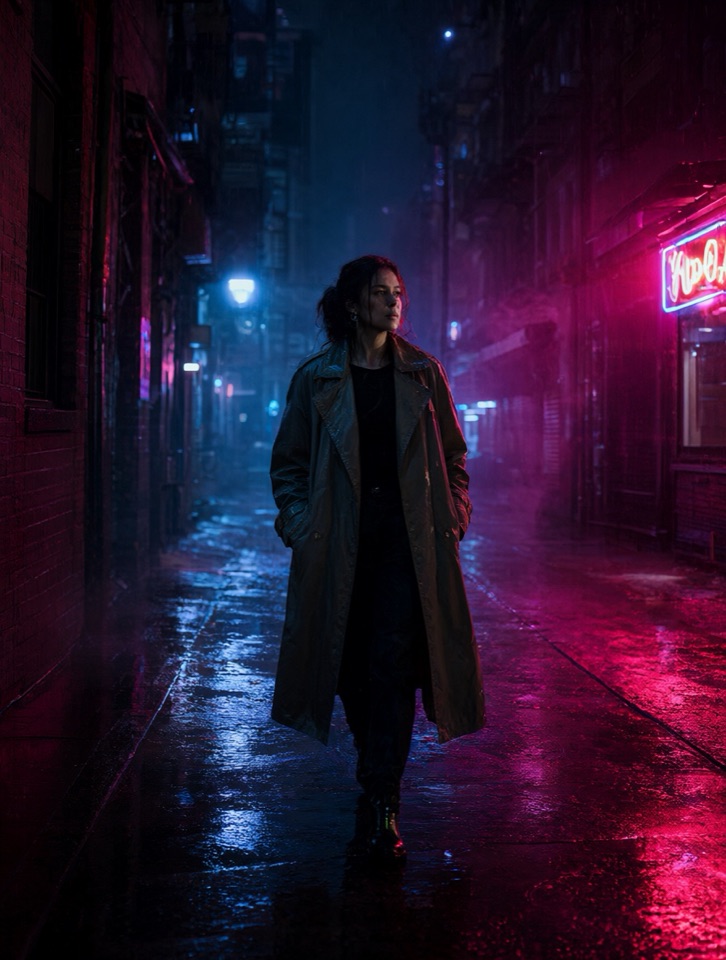
Prompt
Describe the scene
Write the action, camera movement and look in a text prompt, then choose an aspect ratio before you submit.
Write a prompt or upload a photo and the Platform renders it. Open AI video generation for clips, or AI image generation for stills.
Example clips and stills generated with AI models — not customer results.
Describe the scene, pick a published tier and review the finished clip in your library. The clips on this page were generated with AI models, not by customers.
Write the action, camera movement and look in a text prompt, then choose an aspect ratio before you submit.
Open your library to review every generation. A finished task previews in place and downloads as an MP4.
Each published tier shows its credit cost before you submit. Review your balance and plans on this site.
Most AI video generators run adult prompts through a filter before anything renders. This one is built for them.
Other AI video generators
AI NSFW Video
Describe it, render it, watch it, keep it — with no prompt filter in between.
Write the scene, or start from a photo you are allowed to use, and pick a published duration.
The Platform renders the clip on the published tier you selected and charges its credits.
The finished clip plays in your workspace, so you can check motion and framing before you keep it.
Save the MP4 from your library at the resolution you generated. Library items expire on the retention window shown with each one, so download anything you want to keep.
Made with this workflow
Upload a source photo, describe the motion, and the scene renders as written — the same unfiltered pipeline as a text prompt.
Choose the credit pack that fits your needs
Straight answers before you start — no account needed to look around.
Try freeDescribe the scene, pick a published length and watch the Platform render it.
Create my video